How-to Send RSS Email Campaign(s)
Introduction.
RSS enables you as a business owner to deliver updates and newly published blog content via email. And, rather than sending an email every time a blog is published—which may annoy your user base—you can send periodic RSS emails or newsletters that provide an overview of blog content those user base may have missed out on.
Creating an RSS email
1. Click the Create Campaign

2. Next Step is to select the Email Template which you would like to create a Marketing Email Campaign.
There is a preview option to check the template.

3. Whether you're an expert or a novice in email marketing, Email Builder gives you tools to design beautiful campaigns.
Now it will take to the builder, where you'll design your content and place the necessary elements for campaigns. You need to click on Send or Schedule.

4. Email builder is designed to let you work on the different parts of your email in the order you choose, and review
everything at once before you send it.
You need to click on Send or Schedule.

Pre-sending Checklist.
There are a few things left to do before sending the RSS email campaign.
Step 1: Add your recipients in the To section by choosing email(s) or smartlist(s).
Step 2: Add your email address in the From section.
Step 3: Add your name in the Name section (Optional)
Step 4: Add your subject line in the Subject section.
Step 5: Add your Preview text in the Preview section. (Optional)
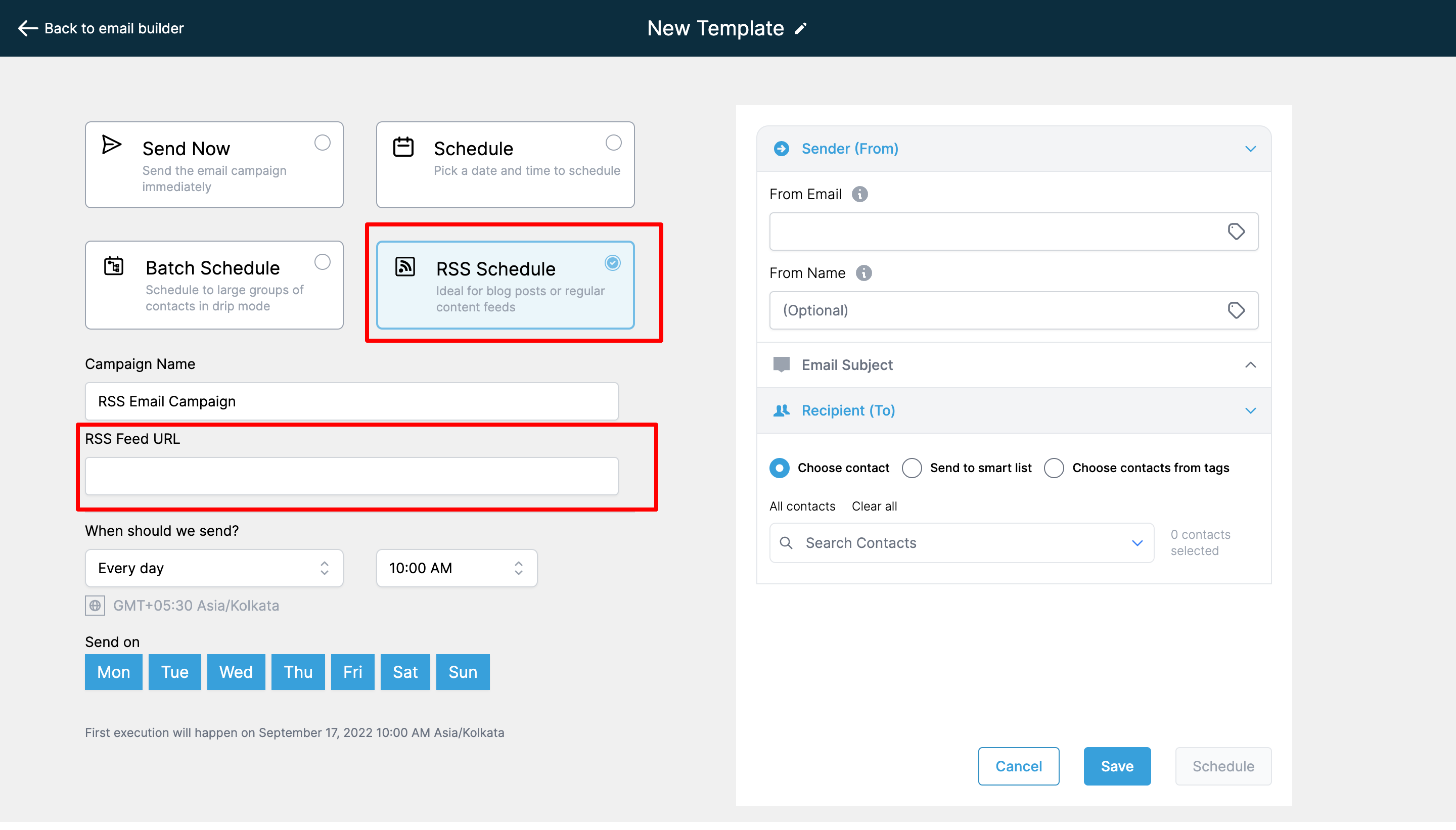
In the "Sending options" located on the left of the image above, select "RSS option" and complete the steps below
Step 6: The next thing is to select the option of RSS in the delivery method.
Step 7: Your RSS Feed URL
Step 8: Choice of Daily, Weekly, and Monthly
Step 9: The time when the RSS Email campaign is to be sent out
Step 10: Uncheck the day's from the week when you don't want to send the RSS Email Campaign
Please Note:
- Please check the details of the execution date, time, and time zone before scheduling!
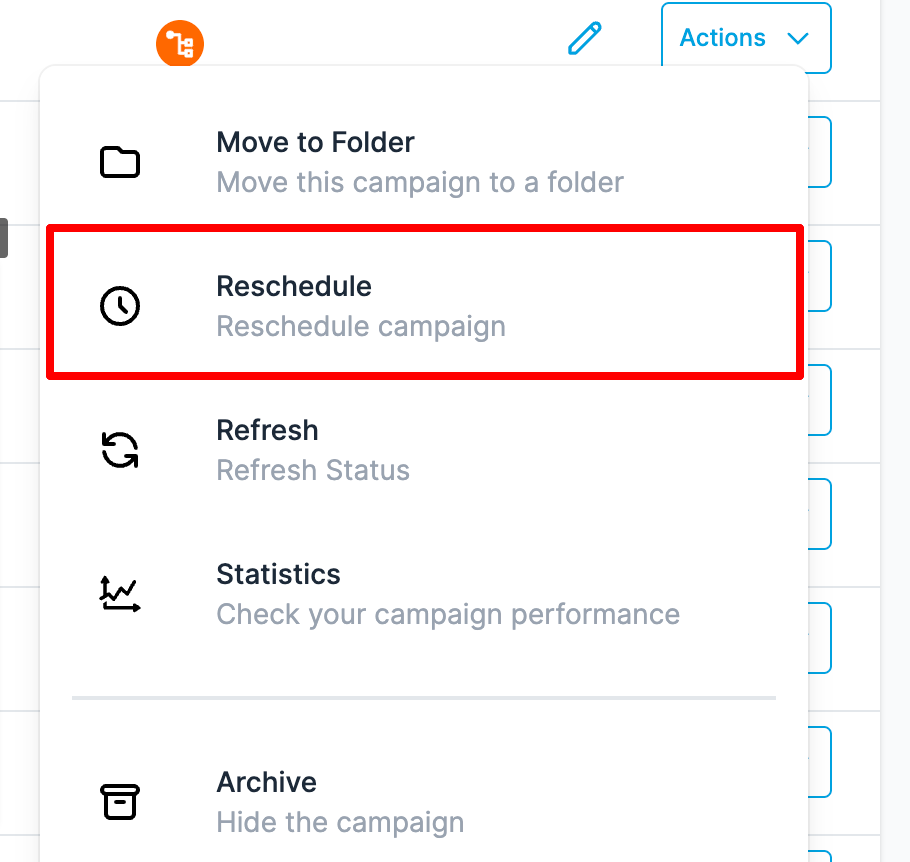
- There will be an option to delete or reschedule the email campaign. If the user wants to reschedule the campaign, they can click reschedule and set the date-time of the campaign.  - The reschedule will be allowed before one hour of sending the email campaign. For example if the schedule date is 11 AM EST, it will allow us to reschedule till 10 AM EST.
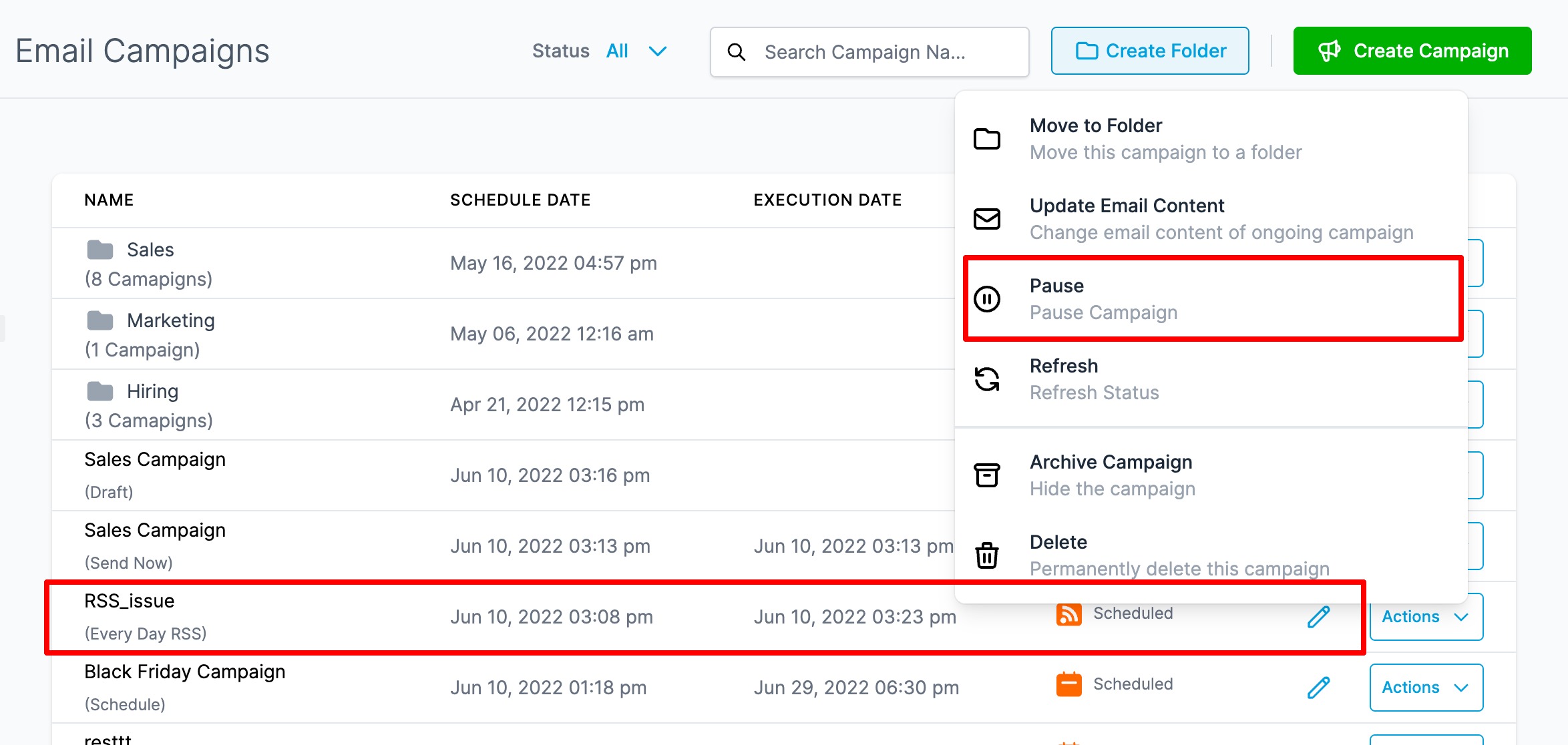
 - There will be RSS Email Campaign has pause option will be available.
FAQ
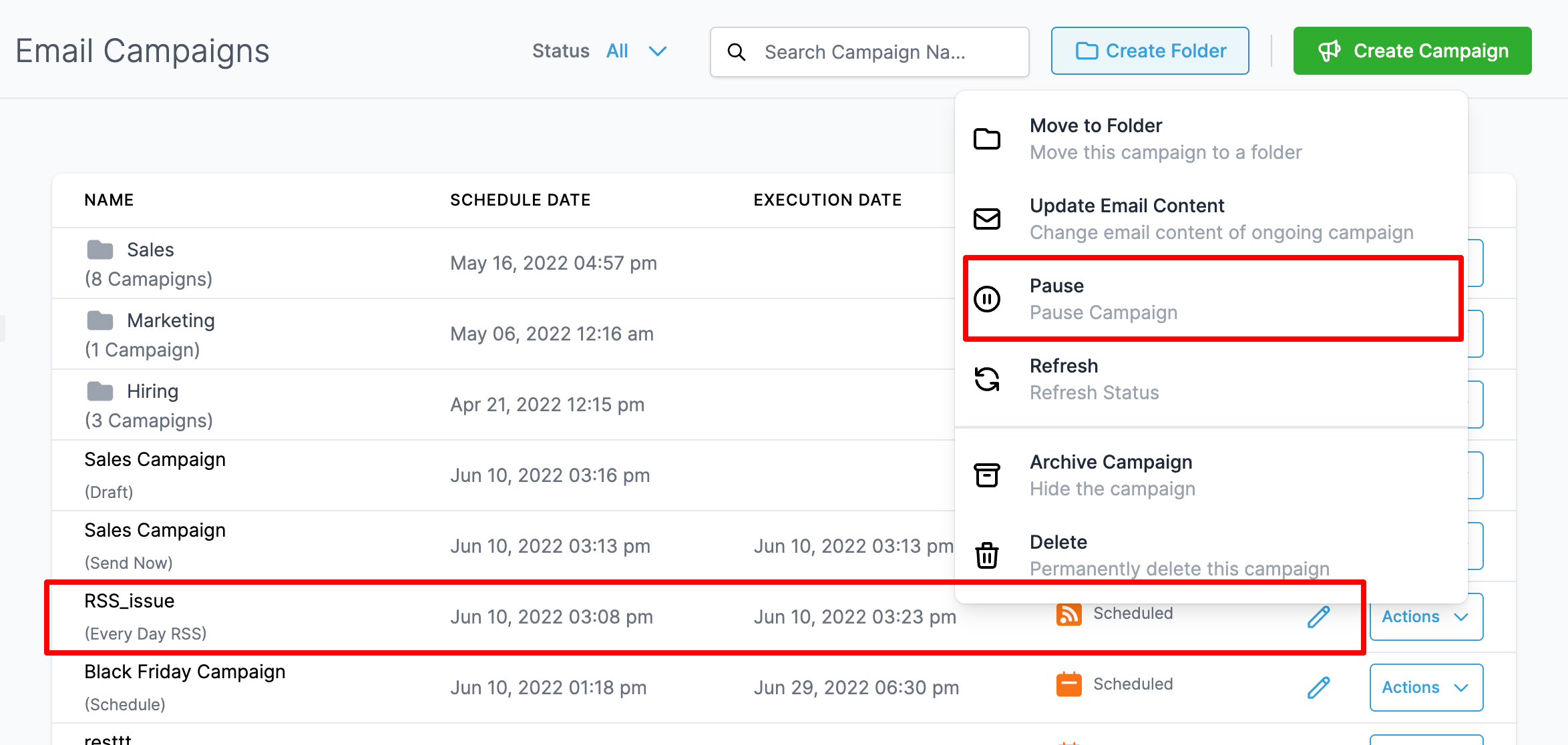
Why are there multiple entries of the RSS Campaign in the List?
Yes, there will be multiple RSS Campaign entries with each showing the details of statistics.
I would like to edit the copy of the RSS Campaign, is it possible? I don't want the statistics to get affected
Yes, you can edit the copy of the Ongoing RSS Campaign by clicking Update Email Content. Once you edit the copy before the execution date, please click save edits. Note: It is not necessary for the copy will get updated but we try to update before the execution queue initiate in the server.
How can I reschedule RSS email campaign?
Related Articles
Bulk Actions - Email
Using the Bulk Actions features in your Contacts/Smart Lists section, you can perform multiple one-off actions to selected or all contacts. Here’s how to send contacts a one-off email using the bulk action feature: Step 1: Choose Your Contacts ...How to enable and rebill LC Email Validation
How to enable and rebill LC Email Validation Email Validation is a process that checks if an email address is deliverable. In other words, this tool determines if it’s possible to deliver mail to that email address before you send an email. Please ...How To Create and Use SMS And Email Templates
SMS and Email Templates are saved draft template communications that you can directly add into your campaign events or one-time communications. This is useful if you often find yourself sending same or similar messages (and you don't want to utilize ...Email Two Way Sync
Email Two Way Sync is a feature that allows the synchronization of emails between two different platforms, such LANA software and an email client, in both directions. Any email sent, received, or updated in one platform is automatically synced with ...How to Import Email template from Mailchimp
In order to import your Mailchimp email template, you need to log in to your Mailchimp account. Click on the "Templates" link in the left menu and you should see a list of all of your saved templates. If not, click the "create new template" button ...