Multiple Facebook Page Integration for Reviews
Review Management: Multiple Facebook Page Integration for Reviews!
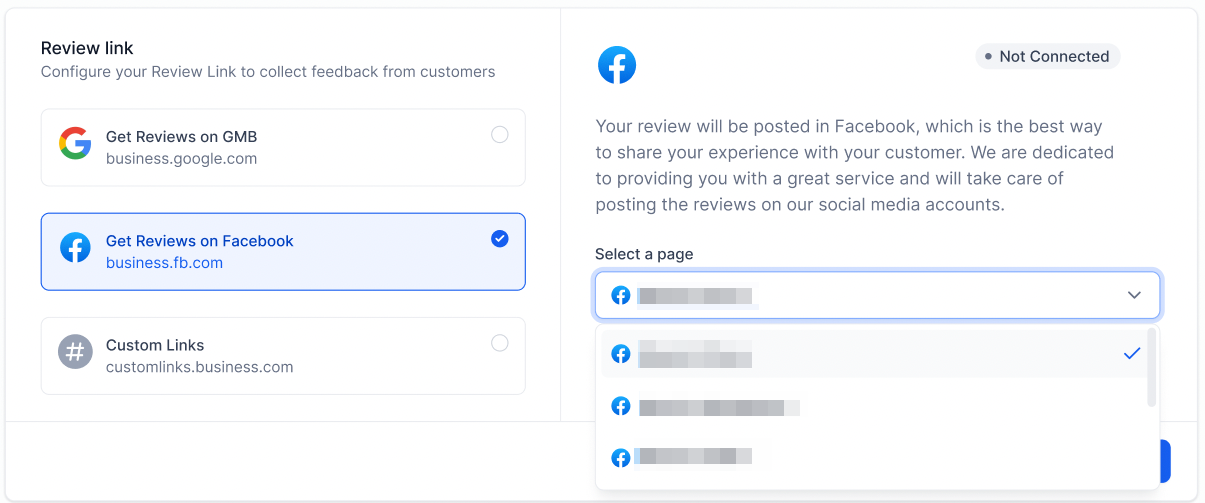
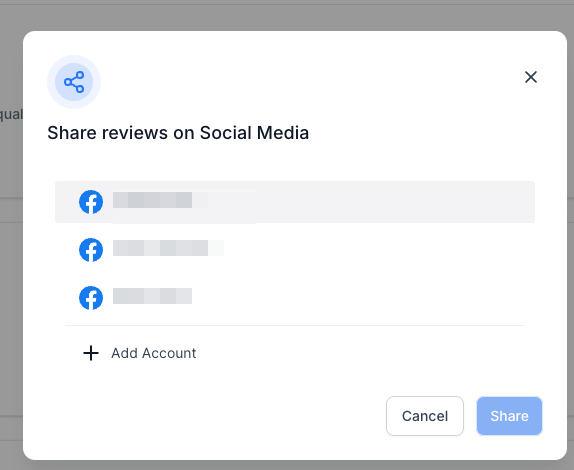
Managing your social media reviews is now simpler than ever! Our latest update allows you to integrate multiple Facebook pages into one platform, streamlining your review management process.
What’s the update?
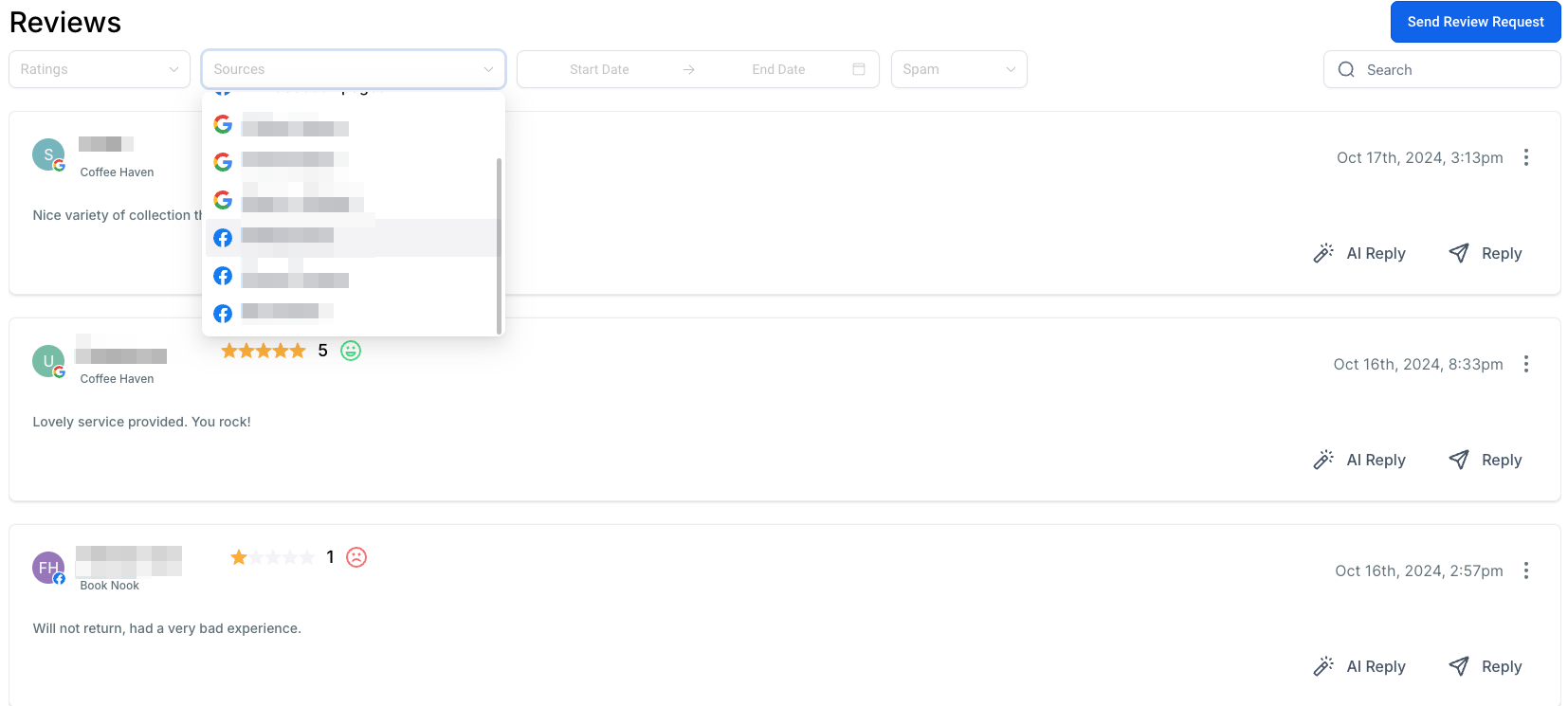
- Unified Review Dashboard: Access all reviews from multiple Facebook pages in a single, unified dashboard—no more toggling between accounts!
- Comprehensive Monitoring: Easily monitor and manage reviews across all connected Facebook pages, helping you stay on top of customer feedback from various locations or brands.
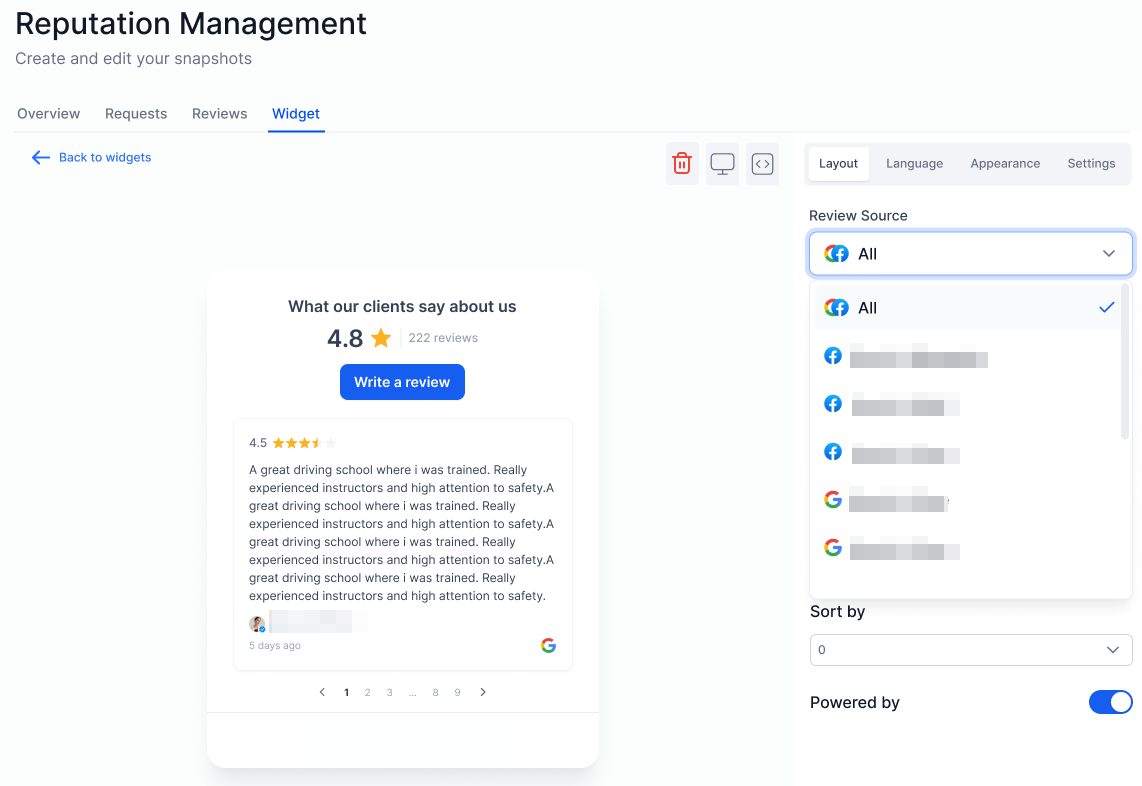
- Showcase Reviews in One Place: Display reviews from multiple Facebook pages in a cohesive review widget, building an impressive and unified reputation for your business across platforms.
Why You’ll Love It:
- Streamlined Management: Handle all Facebook reviews in one place, giving you enhanced control and visibility.
- Enhanced Engagement: Respond quickly to reviews, boosting customer interactions and strengthening your online reputation.
- Flexible Integration: Ideal for businesses managing multiple locations or brands, bringing all your social reviews together seamlessly.
Start integrating your Facebook pages today and take control of your social media reviews like never before!
Notes:
Ensure that the Facebook account linked to your LANA platform has access to each Facebook Page you want to manage within LANA. This will allow you to access multiple pages seamlessly.
Related Articles
How to connect Multiple Facebook Page
Connecting Multiple Facebook Pages to Your LANA Subaccount With LANA Software’s latest integration, you can now connect multiple Facebook pages to your subaccount for seamless management across all your business profiles. This feature allows you to ...Manage Multiple Facebook Pages with LANA Software's New Integration Feature
Connect Multiple Facebook Pages to Your LANA Software Account We’re excited to announce one of our most highly anticipated integration features: connecting multiple Facebook pages within your LANA Software account! This powerful update lets you ...How to Update Facebook Page Selection & Permissions
You might want to change which page is integrated into your account. Follow these steps to update your integration with Facebook to access new (or previously unselected) pages. Part 1: Set up your Facebook Settings and Privacy to allow the ...How to Connect to Your Facebook Page for Use in the Social Planner
The Social Planner tool allows you to connect multiple social media accounts and manage them in one area. By connecting Facebook pages, you can use the Social Planner to schedule, create, and push out posts to your Facebook pages, along with Facebook ...Connecting Multiple Google Business (GMB)
Seamlessly connect one or multiple Google Business Profile pages to a sub-account. By connecting multiple pages, you gain the ability to view, track, and monitor all related assets, such as messages, leads, and reviews, within a single sub-account. ...