Calendar Color Codes
Using the calendar is a great way to block off time away, manage scheduled appointments, and more.
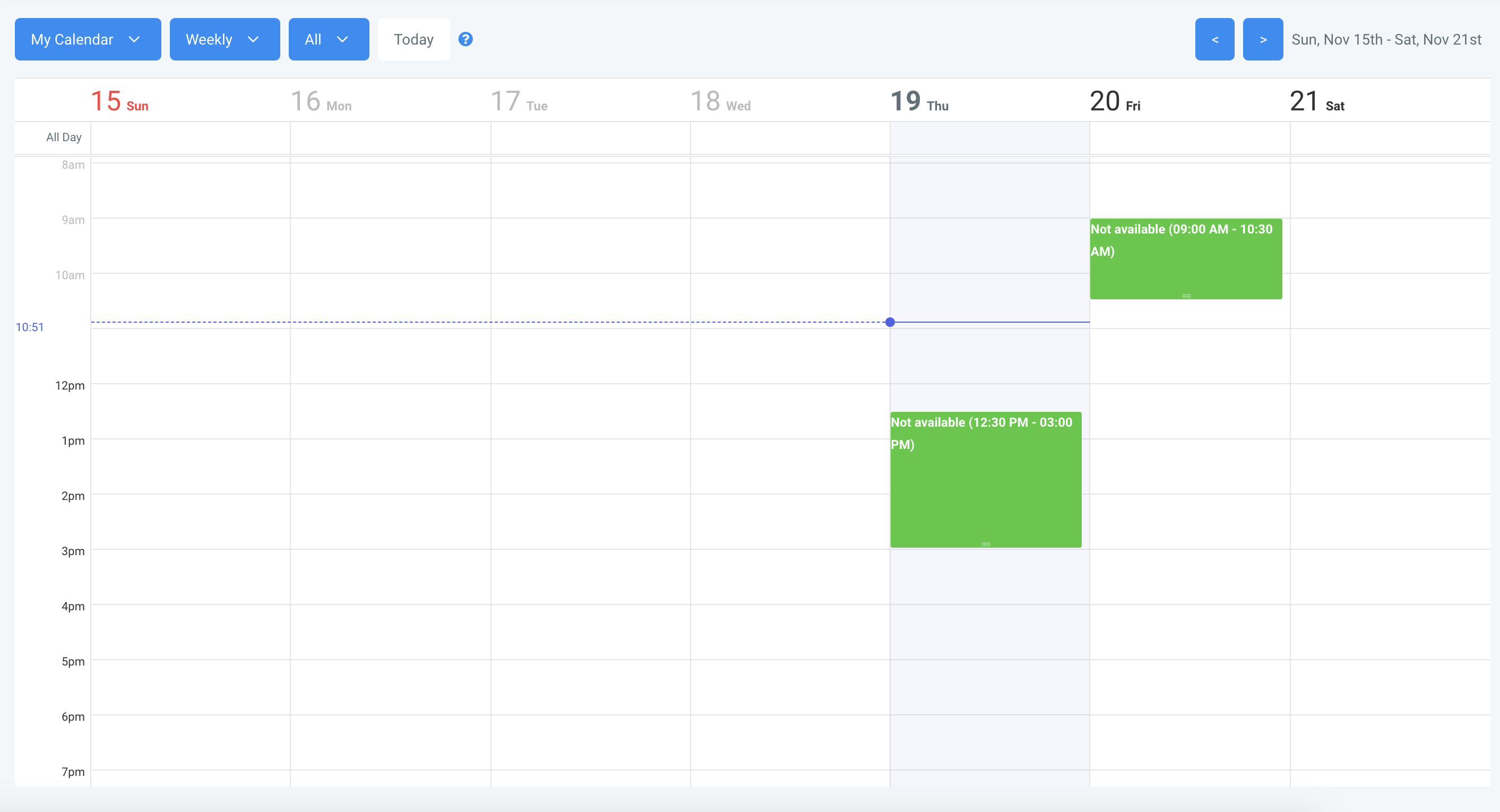
The calendar in LANA color codes your appointments and time slots. You may wonder what the different colors mean. Refer to the legend below for an understanding of each:

Related Articles
How to Utilize the Calendar
Calendars are a useful way for managing appointments in your system. Before creating a calendar, you’ll want to ensure you have an understanding on unassigned vs. team calendars. Please refer to our tutorial “How to Create and Utilize Teams Within ...How to Create and Edit an Unassigned Calendar
This is an overview on how to create and edit your 'unassigned' calendars (or non-team calendars). Step 1: Create a New Calendar or Edit an existing Calendar Navigate to Calendars Click on +New Calendar to add a new calendar OR click the … next to an ...Outlook Calendar Integration
Outlook calendar integration is a great feature you can use with a Teams Calendar. This allows you to create and sync calendar invites for Outlook, and to sync back to LANA. NOTE: Only Outlook.com, Office365, live.com, and Hotmail calendars are ...How to Override Calendar Availability
You may want to schedule an appointment manually, at a time you're not typically available. For example, maybe your normal scheduling availability is Monday-Friday 8am-4pm, but you want to make an exception for someone and book an appointment at ...How to Disable and Enable Calendar Service
This tutorial will teach you how to disable and enable calendar services. Maybe you have a service that you typically offer such as a 30 minute consultation or a demo, and you want to temporarily disable that calendar because you're not offering it ...